Episode 35 - Thank You For The Music
Welcome to the show
Published: August 3rd, 2026
In this episode, Tod and Paul share everything you ever wanted to know about USB, what's new in CircuitPython, a retro MP3 player, and more.
Follow the show on Bluesky. Follow Paul on Bluesky or Mastodon and Tod on Bluesky and Mastodon.
We have stickers! Request a free sticker here. (US Only, sorry!)
Listen to the podcast
Transcript
Full transcript available here.
Show Notes
00:19 USB-C cable and PD testing (Tod #1)
USB-C and Power Delivery is confusing. Let's find some tools for that.
You know how much I'm into inspecting USB stuff. When doing any kind of embeddeded development, I always have some kind of "USB Tester" gadget in between my computer and the board I'm using. I'm sure you've seen them. They show the voltage being put out by the USB host and the current being used by the device. I've been using them for over a decade. Great things. Only about $10. But they're only really for the old USB 2.0 devices.
With the advent of USB-C, there is now one connector that can mean many things. This is especially true in terms of power delivery. USB-PD is a power delivery spec that runs over USB-C cables, where two devices negotiate for not only who is providing the power, but if that power is anywhere between 5V @ 3A to 20V @ 5A. This is how your laptop can be charged by the wall but also charge your phone, from the same port!
And then there's cables. Not all USB-C cables are created equal. Many are just USB 2.0 cables with USB-C ends. These are usually cheap. Some cables are capable or running Thunderbolt or USB4 over them. These cables are expensive. But how to know? You can potentially depend on the markings or the brand, but not always. The better cables are supposed to have an e-Marker chip built into them, which reports their abilities. But not always.
Thankfully there are some tools out there (some hardware, some software), to give you insight into what's going on. On the hardware side, there are some fairly cheap gadgets like the RD TC66 USB Tester. This looks a lot like the cheapy USB testers of old, showing you voltage and currently, but it also does protocol detection to tell you what the cable and charger support. This lets you know exactly what power is going into or out of your phone or laptop.
Up from there is the Treedix USB Cable Tester. This is just to test cables. Plug both ends of the cable you're curious about into it (and it can be just about any cable, USB-C, USB-B, Thunderbolt, Lightning), and the big display tells you exactly what pins that cable has, what protocols it's capable of, if the cable has an e-Marker chip, and if the chip matches spec or is wired incorrectly. Think of it as the really smart version of the simple continuity USB cable testers you may've seen several years ago.
And if you don't want to spend any money, there's some apps. On the Mac,
there's the very good WhatCable app that gives you much of the same info as the RD TC66
tester, at least as MacOS sees it. On Linux, there is the lsucpd commandline tool
and in general the kernel is very inspectable by poking around in /sys/class/typec/
virtual filesystem.
Links to all these things in the show notes of course.
6:13 Terry Godier (Paul #1)
In A Room You Can’t See, Terry asks: what has changed in how we listen to music - the technology or us? Without spoiling too much, Terry digs into what does it mean when we have an endless supply of music at our fingertips from streaming services for one monthly fee? Where is what, he calls, the intentionality, of what we listen to. He asks himself when the last time he really listened to an album. Sat down and paid attention to it - not in the background when working or in the kitchen.
He even touches on the music being streamed on Spotify that is AI - and Terry says he’s not mad about the music, he’s mad that it even works and these songs get millions of listens.
Terry challenges you to think about your relationship with music in a video that is about 10 minutes long and really makes you think.
A Room You Can’t See video essay
His second video is about design and it’s called “Some Decisions Aren’t Supposed to Be Optimized” - and he asks when did we hand over design decisions to the machine? He talks about how, for him, design is a feel. He tells a story about how a designer at Google quit back in 2009 because Google was testing, not one, not three, but 41 different shades of blue through A/B testing. He talks about how testing could be answering - and asking - the wrong questions. It really makes you think into how and why decisions are made in your favorite products.
Some Decisions Aren’t Supposed to be Optimized video essay
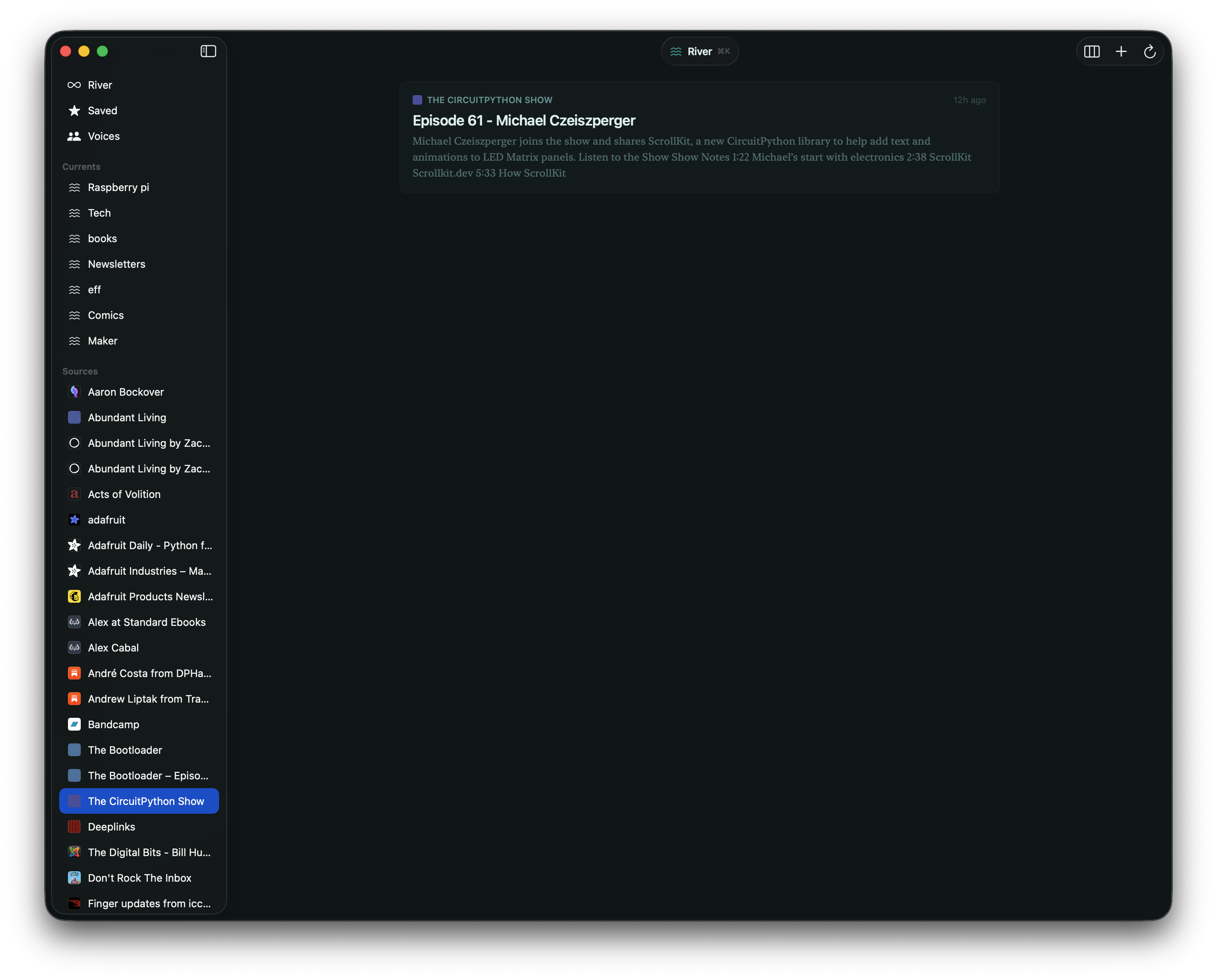
After watching his videos, I checked out his blog and realized I was using one of the products he created. Earlier this year, and I’ve been debating about sharing it on the show even, Terry released Current, an RSS reader for macOS, iOS and iPadOS. Current has a really interesting goal - that your RSS feed shouldn’t feel like an inbox an dshow you the unread count. You should read your RSS feed for the joy of reading and stay in the flow while doing it. I switched to it earlier this year after buying it for $10, and I’ve been really happy with it. What a small world it is sometimes.
10:19 CircuitPython audio improvements (Tod #2)
There's been some neat advances in audio-related stuff in CircuitPython lately.
sdioioon RP2040/RP2350 for high-speed connection to SD cards- CIRCUITPY writeable
storage.{disable,enable}_usb_drive()incode.py - USB host fixes
audioi2sinfor audio INPUTaudiodelays,audiofilters, andaudiofreeverbon RP2040audiospeed.SpeedChanger&audiospeed.Resampleraudiodelays.GranularPitchShiftaudiofilewriter
16:55 AP30 Music Boy (Paul #2)
Next up I have the AP30 Music Boy, which may jsut be the most adorable retro gadget I’ve seen in some time. You’ll notice that it’s called the “Music Boy” and that’s definitely on purpose as this MP3 player looks like a Gameboy, from the screen to the buttons. It’s pretty small as it sits in the palm of your hand and features 2.0” IPS screen. It’s Hi-Res Audio certified and they really push how high quality the music is supposed to sound. It feature’s a 3.5mm and 4.4mm headphone jacks as well as Bluetooth 5.3 and you can install a microSD card to store your music.
You can stick it in your pocket, hang it on a lanyard, or it comes with a magnetic case to stick to the back of your phone. You can also use it as USB DAC on your computer to punch up the sound quality.
19:11 Awesome self-hosted (Tod #3)
The awesome-selfhosted
list is another "awesome" list, but this time for free, open-source alternatives
to all the cloud-based subscription services we're starting to drown in.
I've been increasingly concerned that we're just becoming tenant-farmers on our
own information, seemingly barely owning anything we create or enjoy, instead
paying increasingly higher monthly fees just to live our lives. And now AI eats up
all our creative output and regurgitates it back to us for a fee. I'm a little worried!
The awesome-selfhosted might have some solutions for us.
It has hundreds of network services and web applications that accomplish most of what we use cloud services for. Of course it has links to how to run your own gmail-like mail server, web servers, or git repositories, but it also has links to CMS document systems for small businesses, mapping systems like Google Maps, URL shorteners like bitly, backup systems like Backblaze, and video conferencing like Google Meet.
Most all of these are bundled up into Docker-like containers so you can run multiple on a single physical box. Or you could even run them on a remote virtual machine from Digital Ocean or Linode. Sure, it's a subscription cloud service, but it's only one fee instead of many.
Or find an old laptop or PC and put Linux and Docker on it and some of these services. Most don't need much CPU. One of the nice things about having your data locally is it will often feel faster when using it. And if you are interested in tuning an AI, having a local one that pokes around your local data is much faster and cheaper and secure than doing a bunch of remote API calls to a corporation you barely trust.
I run several local servers already for things but this list has got me thinking about moving more of my live to be directly under my control. And it might be fun!
23:09 Headphones and more headphones (Paul #3)
Paul's last two are headphones related. The first has been in the news for a bit, but was still new to me. Are you in the Android or Linux ecosystems and ever been jealous of the functionality Apple's AirPods have? Well, thanks to a project called LibrePods, you can now use AirPod like features on Linux and Android.
The developers used Wireshark to reverse engineer Apple's proprietary protocols. You can use features like aut-connect, listening mode, battery status, and more.
And my last one is via Tom’s Hardware, which recently covered the Sony Head Tracker project by Nicholas Slattery on GitHub. If you have a high end pair of Sony’s noise canceling headphones, like the Sony WH-1000XM5’s, you’re in luck.
These headphones have support for spatial audio, meaning they have sensors including gryoscopes and acceleromoters for head tracking. Mr. Slattery has reverse engineered the sensors firmware to allow you to use headtracking in games on macOS and Windows. Once you have everything setup, you put your Sony headphones on and the in game camera will respond to your head movements - which is so cool.
Check out the article to see the list of headphones that are compatible and for more details on how it works.
25:11 CircuitPython Day and wrap-up
- CircuitPython Day Schedule - refresh this page to find out when The Bootloader's live episode will be airing.